Merchant wallets & payments

Create a wallet.
Start moving money.

Open a PalmKash merchant wallet in minutes, then collect payments and send payouts from one dashboard and a single REST API. Palm-biometric checkout is built in for when you need it.

Instant merchant wallet Payments & withdrawals API Palm-secured
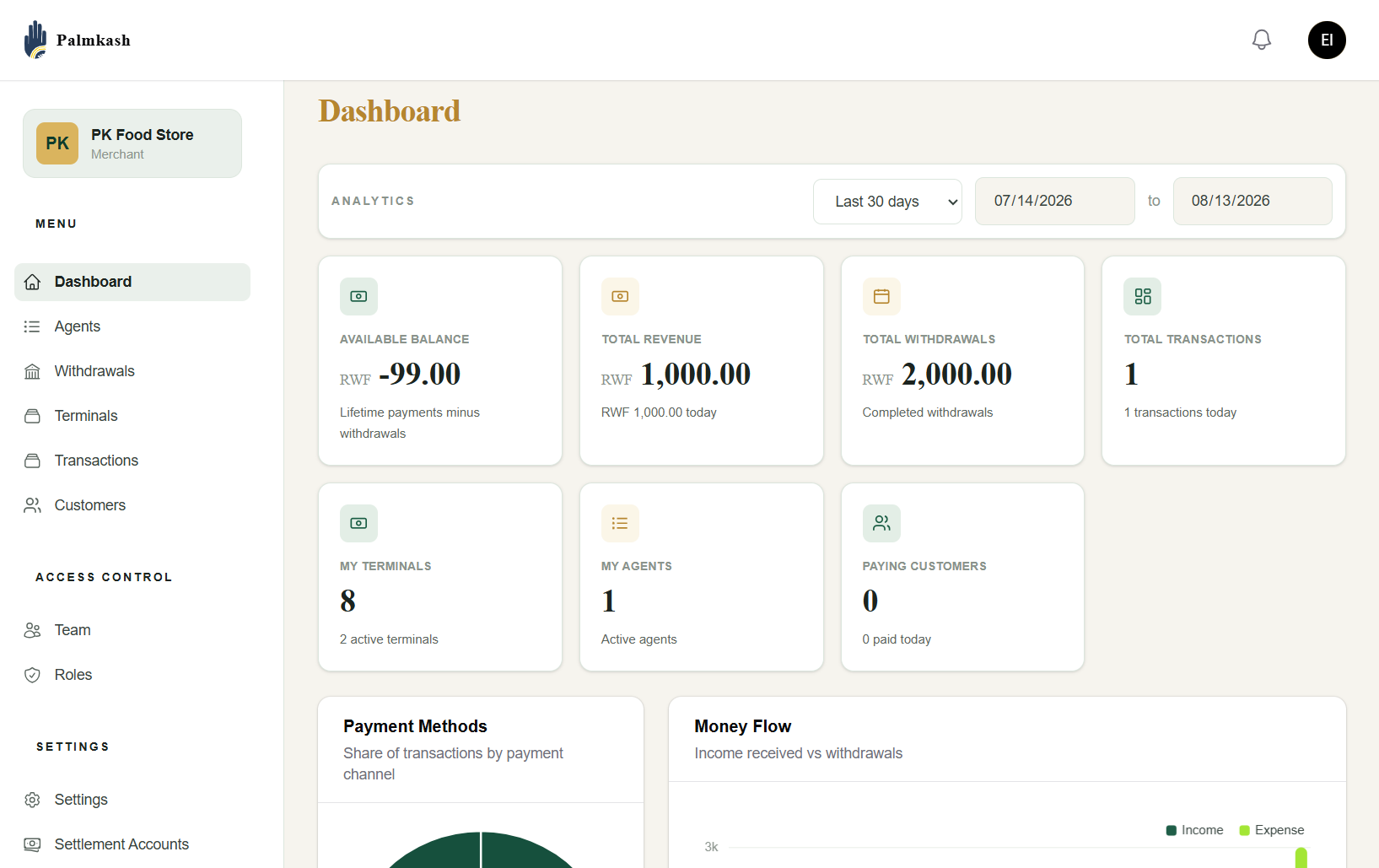
Merchant Dashboard Live
PalmKash merchant dashboard
Modules

Everything you need to move money

A full stack of payment building blocks you can consume through the PalmKash dashboard or REST API.

Palm Collections

Accept payments by scanning a customer's palm — no cards, no phones. Initiate a charge and confirm it biometrically.

POST /payments/make-payment

Payouts & Withdrawals

Disburse funds and process merchant withdrawals to mobile money or bank accounts, then track each payout to settlement.

POST /payments/make-withdraw

POS Terminals

Turn any terminal into a palm-enabled point of sale. Drive in-store checkout flows and stream transaction status live.

POST /pos

Wallets

Give clients and merchants balances that credit and debit in real time, with a full ledger of every transaction.

ClientWallet · Ledger

Merchants & Agents

Onboard merchants, spin up agent networks and manage roles, terminals and API tokens from a single dashboard.

Onboarding · RBAC

Transactions & Reports

Query transaction history, reconcile settlements and pull Z-reports for every terminal and time window.

GET /transationStatus/{id}

Webhooks & Callbacks

Receive signed, real-time notifications the moment a payment, credit or withdrawal changes state.

POST /payment-callback

Palm Enrollment

Register a customer's palm once with the Keyo biometric engine, then reuse it across every PalmKash channel.

POST /enrol-palm

Settlements

Configure settlement accounts, apply chargeable fees and settle collected funds on your own schedule.

SettlementAccount · Fees
For developers

One REST API. Built to integrate fast.

Authenticate with your merchant key, sign each request with HMAC-SHA256, and run payments and withdrawals in minutes — each with a matching status endpoint.

  • make-payment to collect, get-payment-status to track it
  • make-withdraw to pay out, get-withdraw-status to confirm
  • HMAC-SHA256 request signing, idempotent via client_reference
  • Signed webhooks for every payment & withdrawal event
Read the full API reference →
# Initiate a payment
curl -X POST https://dashboard.palmkash.com/v1/payments/make-payment \
  -H "X-Merchant-Key: PK_34556ardeaaa" \
  -H "Content-Type: application/json" \
  -d '{
    "merchant_id": "PK_34556ardeaaa",
    "client_reference": "INV-1042",
    "phone_number": "250789777777",
    "currency": "RWF",
    "amount": 10000,
    "callback_url": "https://shop.com/callback"
  }'

# → 200 OK
{ "reference": "0010001", "status": "pending" }
# Check a payment's status
curl -X POST https://dashboard.palmkash.com/v1/payments/get-payment-status \
  -H "X-Merchant-Key: PK_34556ardeaaa" \
  -H "Content-Type: application/json" \
  -d '{
    "merchant_id": "PK_34556ardeaaa",
    "reference": "0010001"
  }'

# → 200 OK
{
  "message": "payment in progress",
  "status": "success",
  "data": { "reference": "0010001", "status": "pending" }
}
# Initiate a withdrawal / payout
curl -X POST https://dashboard.palmkash.com/v1/payments/make-withdraw \
  -H "X-Merchant-Key: PK_34556ardeaaa" \
  -H "Content-Type: application/json" \
  -d '{
    "merchant_id": "PK_34556ardeaaa",
    "client_reference": "PO-2207",
    "phone_number": "250789777777",
    "currency": "RWF",
    "amount": 50000,
    "callback_url": "https://shop.com/callback"
  }'

# → 200 OK
{ "reference": "0010002", "status": "pending" }
# Check a withdrawal's status
curl -X POST https://dashboard.palmkash.com/v1/payments/get-withdraw-status \
  -H "X-Merchant-Key: PK_34556ardeaaa" \
  -H "Content-Type: application/json" \
  -d '{
    "merchant_id": "PK_34556ardeaaa",
    "reference": "0010002"
  }'

# → 200 OK
{
  "message": "withdrawal in progress",
  "status": "success",
  "data": { "reference": "0010002", "status": "pending" }
}
How it works

From enrollment to settlement

STEP 01

Create your wallet

Sign up as a merchant and get your API keys instantly.

STEP 02

Collect or pay out

Call make-payment or make-withdraw via the API or POS.

STEP 03

Confirm & authorize

Poll the status endpoint; palm biometrics add checkout security.

STEP 04

Settle & report

Get a signed webhook, then settle funds and pull reports.

Ready to accept payments by PalmKash?

Create a merchant account, grab your API keys, and go live in minutes.